How to film RC drift with your phone: setting up the CC01 follow-cam
How to mount the CC01 camera trailer on your drift car, which phone camera settings to use, and how to frame the shot.
Published 24 October 2026
The CC01 is a printed camera trailer that carries your phone right behind the car, following every drift. This guide covers the three things that make the footage work: how it attaches to the car, how to set up the phone camera, and how to frame the shot. Why it exists is in the CC01 design story.
Attaching it to the car
The CC01 has its own hitch mount that goes on the roof of the car. Fix it with double-sided tape or with magnets.
- It holds well at high speed.
- It copes less well with impacts: on a hard hit, the magnets let go.
Phone camera settings
- Always use the wide-angle lens.
- Turn stabilisation on when the surface is not perfectly smooth.
- On polished surfaces, stabilisation is not needed.
Framing the shot
The key is to put the phone’s camera lens on the centreline of the trailer, so the car stays centred in the video.
That doesn’t mean the phone holder has to sit in the middle of the trailer. If the holder is mounted to one side, the phone’s lens can end up right on the centre of the trailer, which is what matters.
The phone support can be mounted in several positions:
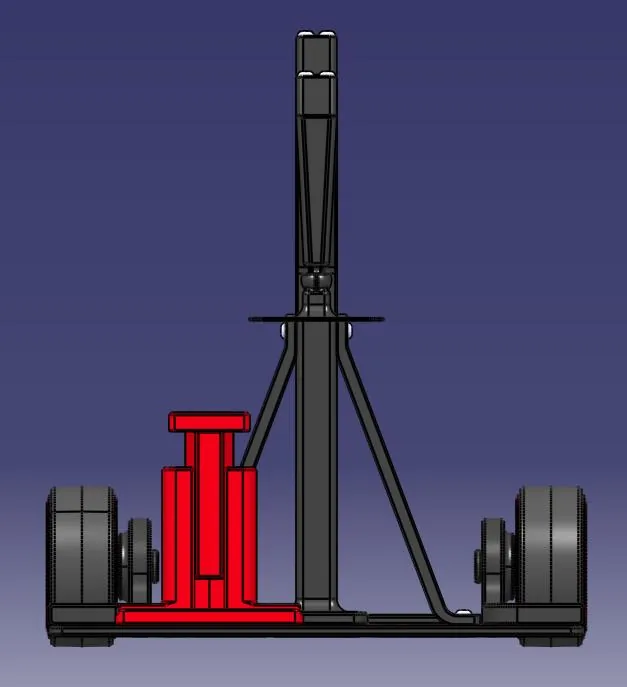
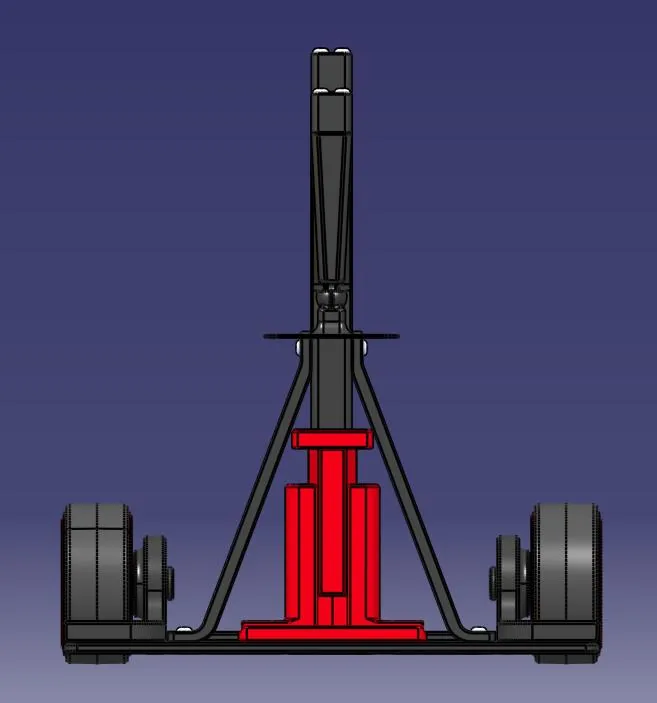
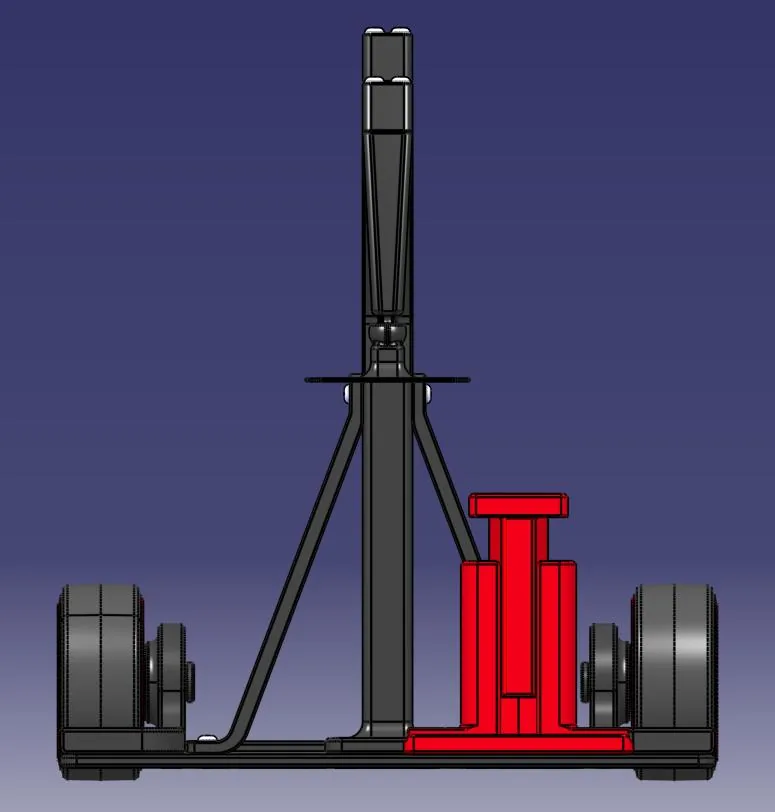
For vertical video, the CC01-01 upgrade holds the phone upright.
Build one
All the parts and the eight assembly steps are in the CC01 build guide.